Anúncios
Need to register on SA Youth or get back into an existing account? This guide covers SAYouth mobi login, registration, password recovery and the main access problems you may face.
How to Register on SAYouth.mobi Step by Step
If you have never registered with SA Youth before, start on the official SAYouth.mobi website. Registration is free and, according to SA Youth registration guidance, can usually be completed in about four minutes if you have your information ready.
Here is how the process works:
- Go to the SAYouth registration portal.
- Select “I’m ready to join” to start your registration.
- Choose the identification type that applies to you. Depending on your status, this may include a South African ID, permanent resident or refugee identification, or a passport with a valid work permit.
- Enter your personal information, including your first name, surname and identification number. Make sure these details match your official documents.
- Provide an active cellphone number and your postal code.
- Create a password. Registration guidance states that it should contain at least eight characters and at least one number.
- Complete the cellphone verification process. An OTP (One-Time PIN) may be sent to the number you provided.
- Read and accept the applicable terms and conditions to complete your registration.
📍 Use the correct postal code. SA Youth uses location information as part of the process of recommending relevant opportunities. Incorrect location details could therefore affect the opportunities shown to you.
SAYouth.mobi is designed for young people looking for learning and work opportunities. The platform’s criteria state that users should generally be 18 to 34 years old and have a South African or refugee identity document, or a valid work permit where applicable.
Registration itself does not require you to have Matric or previous work experience. Individual jobs, learnerships and other opportunities, however, may have their own eligibility requirements.
What You Need Before Registering on SA Youth
Having the right information ready can make registration faster and help you avoid errors.
Before you start, have:
- your applicable ID or identification details;
- an active cellphone number;
- your correct postal code and location information; and
- personal details that match your identification documents.
Foreign nationals should have their passport and valid work permit where applicable.
It is also useful to have an active email address and information about your education, qualifications, skills and work experience. You can use these details when completing your profile.
💡 Keep your cellphone number current. SA Youth advises users to update their details if their number changes. Employers may use phone calls, SMS or email to contact applicants.
Is SAYouth.mobi data-free?
SAYouth.mobi is zero-rated on major South African mobile networks.
There are some exceptions to keep in mind. The official FAQ says the first use of the website may consume around 1 MB to 5 MB while certain content is loaded and stored on your device.
Some networks may also require you to have some data available before you can open a zero-rated website.
If SAYouth.mobi sends you to an external job or learning website, that site may also use your data.

How to Log In to Your SA Youth Account
Already registered? Go to the official SAYouth.mobi website and use the login option with your existing account details.
If your credentials do not work, try account recovery before registering again.
This is particularly important if you previously registered through Harambee Youth Employment Accelerator or Tshepo 1 Million. You may already have an account connected to your details.
The same applies if the platform indicates that your ID or cellphone number is already registered.
⚠️ Avoid creating an unnecessary duplicate account. If your SAYouth mobi login is not working, check your credentials and try the recovery options first.
How to Reset Your SA Youth Password and Recover Your Account
Forgotten your password? You do not need to create another account.
Go to the SAYouth.mobi website, select the login option and look for the username/password recovery option.
Depending on the options available for your account, recovery may include:
- receiving instructions by SMS;
- using your registered email address; or
- answering a security question if one was previously set up.
If you have forgotten your username, check the recovery options available on the login page. Your registered cellphone number or email may be used to help restore access.
What if you no longer have your old cellphone number?
If your registered email is still active, check whether the recovery process allows you to use it instead.
If you cannot recover the account yourself, contact SA Youth support rather than creating another profile.
🔐 Keep your new login details secure. Do not share your password or account recovery information with other people.
Common SA Youth Registration and Login Problems
Most registration and SAYouth mobi login issues fall into a few common categories.
OTP not received
Check that:
- your cellphone number is correct;
- your phone has network coverage; and
- you have waited a few minutes before requesting another OTP.
ID details not accepted
Check the ID number for typing errors. Your name and other personal information should match your official documents.
Cellphone number or details already registered
An account may already exist.
📌 This can also happen if you previously registered through SA Youth, Harambee or Tshepo 1 Million. Try logging in or recovering your account instead of creating another one.
Forgotten password or username
Use the recovery option available from the SAYouth.mobi login area. Where available, use your registered cellphone number or email address to recover access.
Old or inaccessible cellphone number
Check whether another registered contact method, such as email, can be used.
If not, contact SA Youth support for assistance.
Password reset does not work
If self-service recovery fails, contact an SA Youth Guide. Support can help with password resets and account or contact-detail problems.
SAYouth.mobi does not open without data
This may be a network issue rather than an account problem.
Although SAYouth.mobi is zero-rated, the official FAQ says some networks may require a small amount of available data before you can access zero-rated websites.
📲 Other apps running in the background can also consume your data. External websites opened from SAYouth.mobi may require data as well.
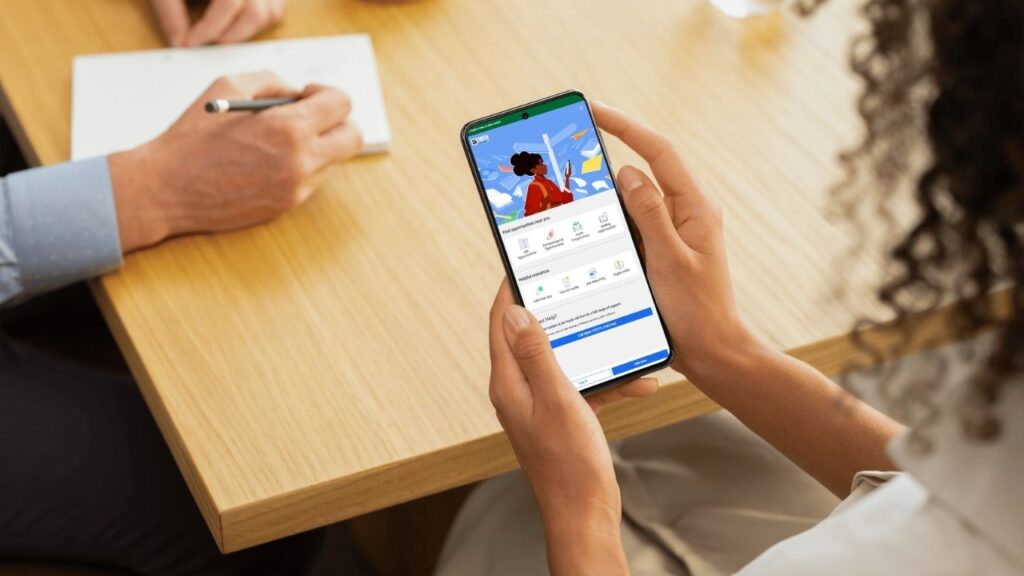
How to Contact SA Youth Support
If you have tried account recovery and still cannot get into your profile, contact SA Youth rather than repeatedly trying to register.
The official support channels are:
- Toll-free phone: 0800 72 72 72 — the call does not use airtime.
- Email: [email protected].
- WhatsApp: self-help support is accessible from the official contact page and uses data.
- Facebook: you can DM the official SA Youth page; this uses data.
Support is available 9am to 5pm, Monday to Friday, excluding public holidays.
👉 Open the official SA Youth contact and support page
SA Youth calls its support staff Guides. They can assist with issues such as password resets and updating contact details.
The organisation also recommends saving 0800 72 72 72 so you can recognise calls from SA Youth Guides.
Once you have registered or recovered your account, check that your profile information is accurate and current. Your next step is to update your SA Youth profile so it can better match you with relevant opportunities.