Anúncios
Getting a tax number in South Africa is your first step into the formal economy. It is essential for employment, and registering for eFiling is crucial.
This guide simplifies the entire process. We will show you exactly how to get your tax number and register for SARS eFiling without any confusion.
Follow these steps to manage your taxes online, stay compliant, and avoid any future penalties with the South African Revenue Service (SARS).
What is a Tax Number and Why Do You Need One?
A tax number, officially called a Taxpayer Reference Number, is a unique 10-digit number. SARS issues it to identify you as a taxpayer.
Think of it as your financial ID for all tax-related matters. You cannot legally earn an income or run a business in South Africa without one.
Your employer needs this number to deduct the correct amount of tax (PAYE) from your salary. It is also required for filing your annual tax returns.
Important: Without a tax number, your employer may be forced to deduct tax at a much higher rate. Getting it sorted early is key.
How to Get Your SARS Tax Number for the First Time
There are a few ways to get your tax number. For many new employees, the process is now automatic, which simplifies things a lot.
However, if you are not automatically registered, you can easily do it yourself online or by visiting a SARS branch. Let’s explore each option.
Option 1: Automatic Registration (For New Employees)
SARS has made it easier for people entering the job market. Your employer can now register you for a tax number directly with SARS.
When your employer submits your employee details to SARS for the first time, the system will automatically generate a tax number for you.
Your employer will then receive your tax number and should provide it to you. You can find it on your payslip once it has been issued.
- Check your IRP5/IT3(a): Your employer will give you this tax certificate. Your tax number will be clearly visible on it.
- Ask your HR department: They are the ones who handle the registration and should have your number on file.
Option 2: Manual Registration via SARS eFiling
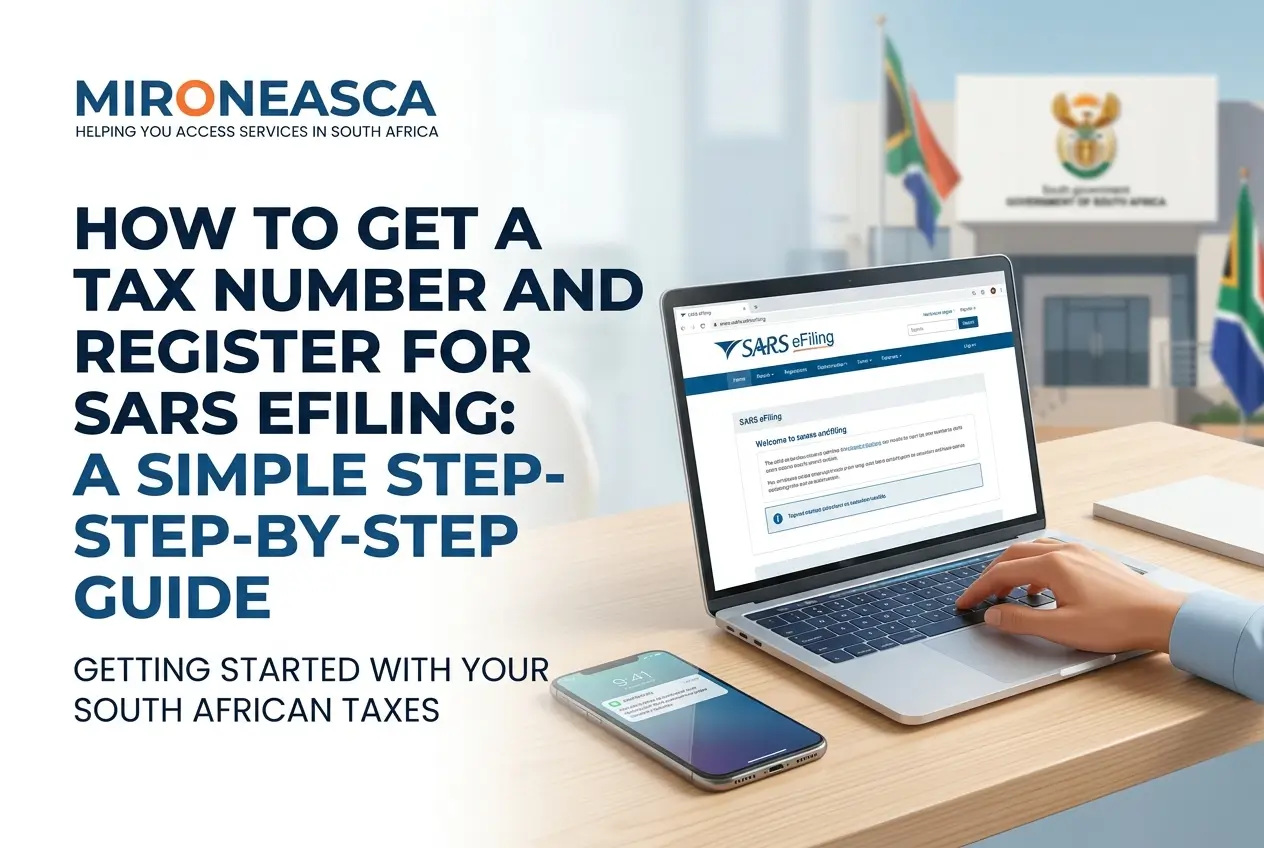
If you are self-employed or your employer did not register you, the best way is to do it online through the SARS eFiling website.
This is the most convenient method as you can do it from anywhere with an internet connection. The process is straightforward and secure.
- Visit the SARS Website: Go to the official SARS eFiling portal at www.sarsefiling.co.za.
- Register a Profile: Click on “REGISTER” and create a new user profile with your personal details.
- Log In: Once registered, log in with your new username and password.
- Find Tax Registration: Navigate to “Organisations,” then “SARS Registered Details,” and select “Register for Tax.”
- Complete the Form: Fill out the online registration form (IT77) with all the required information accurately.
- Submit Documents: You will need to upload certified copies of your supporting documents. We will cover these next.
Documents Needed for Tax Registration
Having your documents ready makes the process much faster. Whether you register online or in person, you will need the following:
- Valid South African ID: A clear, certified copy of your green bar-coded ID book or both sides of your Smart ID card.
- Proof of Address: A recent utility bill or an official statement not older than three months.
- Bank Statements: A stamped bank statement from the last three months to verify your banking details.
- Income Details: Your first payslip or a copy of your employment contract.
Make sure your certified copies are clear and the certification stamp is not older than three months. This avoids delays in your application.
Step-By-Step Guide to Registering on SARS eFiling
Once you have your tax number, the next crucial step is registering for eFiling. This is the online platform where you will file your tax returns.
Registering gives you full control over your tax affairs, allowing you to submit returns, make payments, and communicate with SARS digitally.
- Go to the eFiling Website: Open your browser and navigate to the official SARS eFiling portal.
- Click ‘Register’: On the homepage, find and click the “Register” button to start the process.
- Enter Your Details: The system will ask for your personal information, including your tax number and ID number.
- Create Login Credentials: Choose a unique username and a strong password. Keep these details safe and private.
- Complete the Registration Form: Fill in all the required fields with your contact details and other personal information.
- Accept Terms and Conditions: Read through the terms and conditions and accept them to proceed.
- Verify Your Profile: You will receive a One-Time Pin (OTP) via SMS or email to verify your contact details.
- Log In and Get Started: Once verified, you can log in to your new eFiling profile and start managing your taxes.
Security Tip: Always check that you are on the official SARS website (sarsefiling.co.za). Look for the padlock icon in the address bar.
What to Do If You Can’t Register Online
We know that not everyone has easy access to the internet. If you cannot register online, you can always visit a SARS branch for assistance.
You will need to make an appointment first. This helps reduce waiting times and ensures that a SARS official is available to help you.
- Book an Appointment: You can book an appointment by calling the SARS Contact Centre or using the online booking system on their website.
- Gather Your Documents: Take all the original documents mentioned earlier (ID, proof of address, bank statements).
- Visit the Branch: Go to your chosen SARS branch at the scheduled time. A SARS agent will guide you through the registration process.
The agent will capture your information and submit the application on your behalf. You should receive your tax number via SMS or email shortly after.
Common Problems and How to Avoid Them
The registration process is usually smooth, but small mistakes can cause frustrating delays. Here are a few common issues and how to avoid them.
- Incorrect Information: Double-check all your details before submitting. A simple typo in your ID number can halt the entire process.
- Outdated Documents: Ensure your proof of address and certified ID copy are not older than three months. SARS is very strict about this.
- Poor Quality Scans: If registering online, make sure your uploaded documents are clear and easy to read. Blurry scans will be rejected.
- Forgetting Your Login Details: Write down your eFiling username and password and store them in a safe place.
By paying attention to these small details, you can ensure your registration is processed quickly and without any hitches.
Your Next Steps After Registration
Congratulations! Once you have your tax number and an eFiling profile, you are officially part of the tax system. So, what comes next?
Your main responsibility is to file a tax return every year during the tax season. SARS will announce the dates for this period annually.
Keep all your financial documents organised, such as IRP5s from employers, medical aid certificates, and retirement annuity contribution certificates.
eFiling makes this process simple. It will guide you through filling out your return and even pre-populate some information for you.
Now that you are registered, take some time to explore your eFiling profile. Understanding the platform is the best way to stay prepared for tax season.