Anúncios
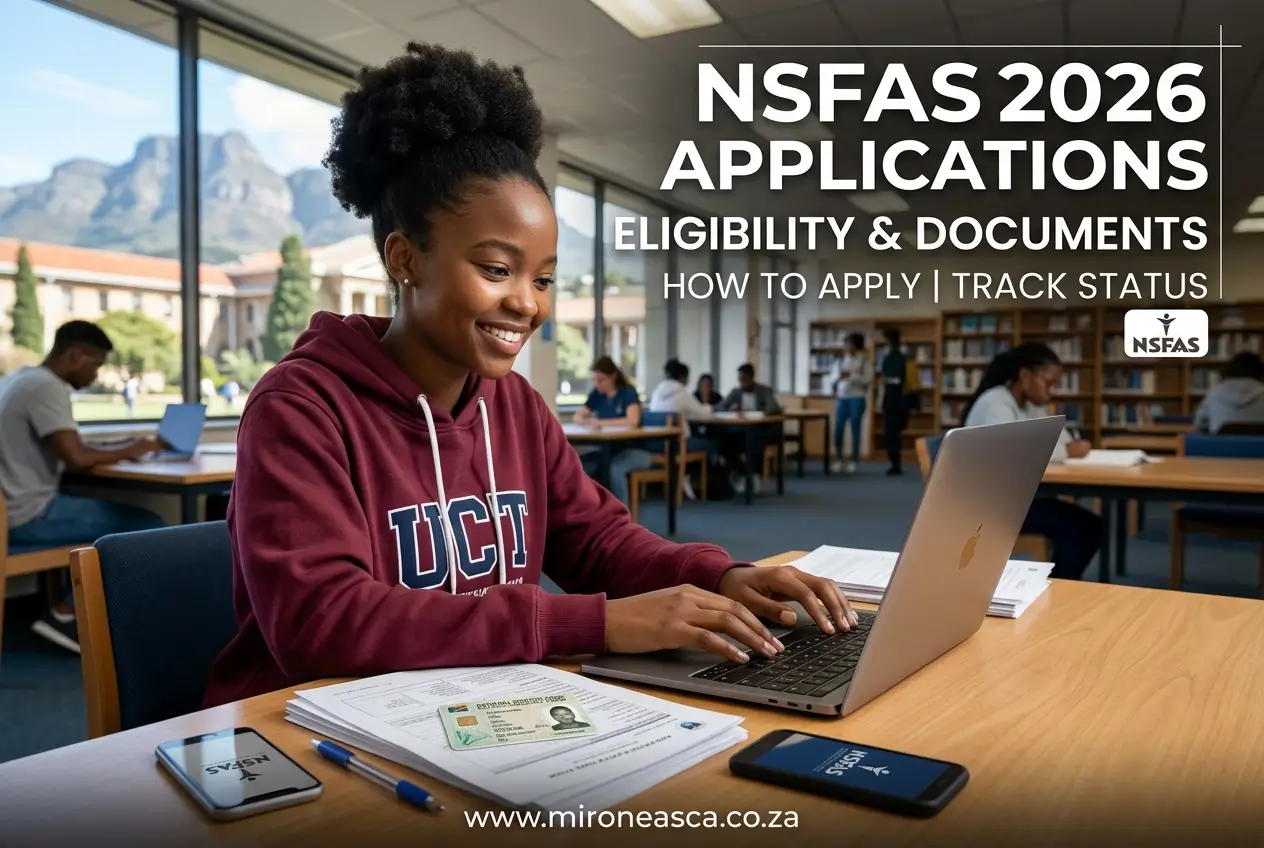
Thinking about university or college in 2026? The NSFAS application is your key to funding your studies, covering tuition, accommodation, and more.
Getting your application right from the start is crucial. This guide has everything you need to know about eligibility, documents, and tracking your status.
Let’s break down the process step-by-step so you can apply with confidence and avoid common mistakes.
What is NSFAS and Why Does It Matter?
NSFAS stands for the National Student Financial Aid Scheme. It’s a government bursary for South African students who can’t afford to pay for their studies.
This isn’t just a loan you have to pay back with interest. If you pass your modules, it’s a bursary, meaning the money is yours to fund your education.
It covers more than just fees. NSFAS can also provide allowances for accommodation, transport, living expenses, and learning materials like textbooks.
For thousands of students, NSFAS is the only way to get a tertiary education. It opens doors to opportunities that would otherwise be out of reach.
Are You Eligible for NSFAS in 2026?
Before you even start gathering documents, you need to check if you qualify. Meeting the eligibility criteria is the first and most important step.
The rules can change slightly each year, but the core requirements generally stay the same. Here’s a clear breakdown of who can apply.
- Citizenship: You must be a South African citizen or a permanent resident.
- Household Income: Your combined annual household income must be no more than R350,000.
- Disability Status: If you are a student with a disability, the income threshold is higher, at R600,000 per year.
- SASSA Recipients: If you are a SASSA grant recipient, you automatically qualify for NSFAS financially.
- Institution: You must be planning to study at a public university or a TVET College.
- First Qualification: You cannot have received funding for a previous qualification at the same level.
Important: The R350,000 income rule refers to the total income of everyone in your household before tax. Be honest, as NSFAS verifies this information.
Documents You Absolutely Need to Apply
Having your documents ready is the secret to a smooth application. Missing just one paper can cause major delays or even get your application rejected.
Make sure you have clear, readable digital copies (scans or good quality photos) of everything before you start the online process.
- Your ID: A certified copy of your South African ID book or Smart ID card (both sides).
- Parents’ ID: Certified copies of your parents’, guardian’s, or spouse’s IDs.
- Proof of Income: Recent payslips, a letter of employment, or a UIF letter for parents/guardians.
- SASSA Proof: A letter confirming your SASSA grant status if you are a recipient. This is not always needed but good to have.
- Disability Annexure A: If you have a disability, you must download and complete the Disability Annexure A Form.
If your parents are unemployed, you will need to submit a sworn affidavit. If they are deceased, you’ll need to provide certified death certificates.
Step-by-Step Guide to Your NSFAS Application
The application process is done entirely online through the official NSFAS portal. Don’t use any third-party websites, as they could be scams.
Follow these steps carefully to ensure your application is submitted correctly. You can do this on a computer or a smartphone.
- Create a myNSFAS Account: Go to the official NSFAS website (www.nsfas.org.za) and click on the myNSFAS tab to register an account.
- Verify Your Information: You will need your ID number and a valid cell phone number and email address to create your profile.
- Start Your Application: Once logged in, click the ‘Apply’ tab. Fill in all the personal and study details required. Be accurate!
- Upload Your Documents: This is where you upload the digital copies of the documents we listed earlier. Ensure they are clear.
- Submit Your Application: Double-check everything for errors. Once you are sure all information is correct, click ‘Submit’.
- Get Your Reference Number: After submitting, you will receive a reference number. Keep this number safe, as you’ll need it to track your status.
Remember to only use your own contact details. NSFAS will use this number and email to communicate important updates about your application.
How to Track Your NSFAS Application Status
Submitting your application is only half the battle. You need to keep track of its progress. NSFAS provides several ways to do this.
Checking your status regularly helps you see if NSFAS requires any extra documents from you. Acting quickly can prevent delays.
Here’s how you can check what’s happening with your application:
- myNSFAS Portal: The most reliable way is to log back into your myNSFAS account. Your status will be displayed on the dashboard.
- NSFAS Mobile App: Download the official NSFAS app for another convenient way to check your status.
- WhatsApp and USSD: NSFAS sometimes offers a WhatsApp number or USSD code for status checks. Look for official announcements.
Status Meanings: “Application Submitted” means they have it. “Awaiting Evaluation” means it’s in the queue. “Provisionally Funded” is the goal!
Common Mistakes That Get Applications Rejected
Many students are rejected not because they don’t qualify, but because of simple mistakes. Knowing these pitfalls can save you a lot of stress.
Let’s look at the most common errors so you can avoid them.
- Incorrect Information: Spelling your name wrong or entering the wrong ID number can cause an immediate rejection. Double-check every field.
- Unreadable Documents: If your uploaded documents are blurry or cut off, NSFAS cannot verify them. Make sure they are perfectly clear.
- Missing Documents: Forgetting to upload a parent’s payslip or ID copy is a frequent problem. Use a checklist to ensure you have everything.
- Household Income Mismatch: Declaring a lower income than what official records show will get you flagged. Honesty is critical.
- Applying Late: NSFAS has strict deadlines. Missing the closing date means you will have to wait for the next application cycle.
Always take your time with the application. Rushing is a recipe for disaster.
What to Do If Your Application is Rejected
Getting a rejection email can be heartbreaking, but it’s not always the end of the road. NSFAS has an appeals process for a reason.
If you believe your application was rejected unfairly, you can and should appeal. You will need to provide strong reasons and supporting documents.
First, understand the reason for rejection. NSFAS will state this in their communication. Common reasons include exceeding the income threshold or missing documents.
- Log into myNSFAS: Go to the portal and click on the ‘Track Funding Progress’ tab.
- Submit an Appeal: If the appeals window is open, you will see an option to submit an appeal.
- State Your Case: Clearly explain why you believe the rejection was incorrect. For example, a change in household income.
- Upload New Proof: Provide new documents to support your appeal. This could be a retrenchment letter, new payslips, or an updated affidavit.
The decision on your appeal is final, so make sure you provide all the necessary evidence the first time around.
Stay Safe: Avoid NSFAS Scams
Unfortunately, scammers target hopeful students every year. They create fake websites or send messages asking for money to “process” your application.
Here are some hard rules to follow to protect yourself:
- NSFAS is FREE: You never have to pay anyone to apply for NSFAS. The entire process is 100% free of charge.
- Use the Official Site: Only use the official NSFAS website: www.nsfas.org.za. Check the URL carefully.
- Never Share Your Password: NSFAS will never ask for your myNSFAS password. Keep it private.
- Beware of Fake Links: Do not click on links in SMSs or emails claiming to be from NSFAS unless you are certain they are legitimate.
If something feels wrong, it probably is. Trust your instincts and only use the official channels for help and information.
Start preparing your documents now so you’re ready when applications for 2026 open. Being prepared is your best advantage.