Are you tired of long queues and delays with your SASSA grant payment? The Cash Send system often causes uncertainty and frustration for many beneficiaries.
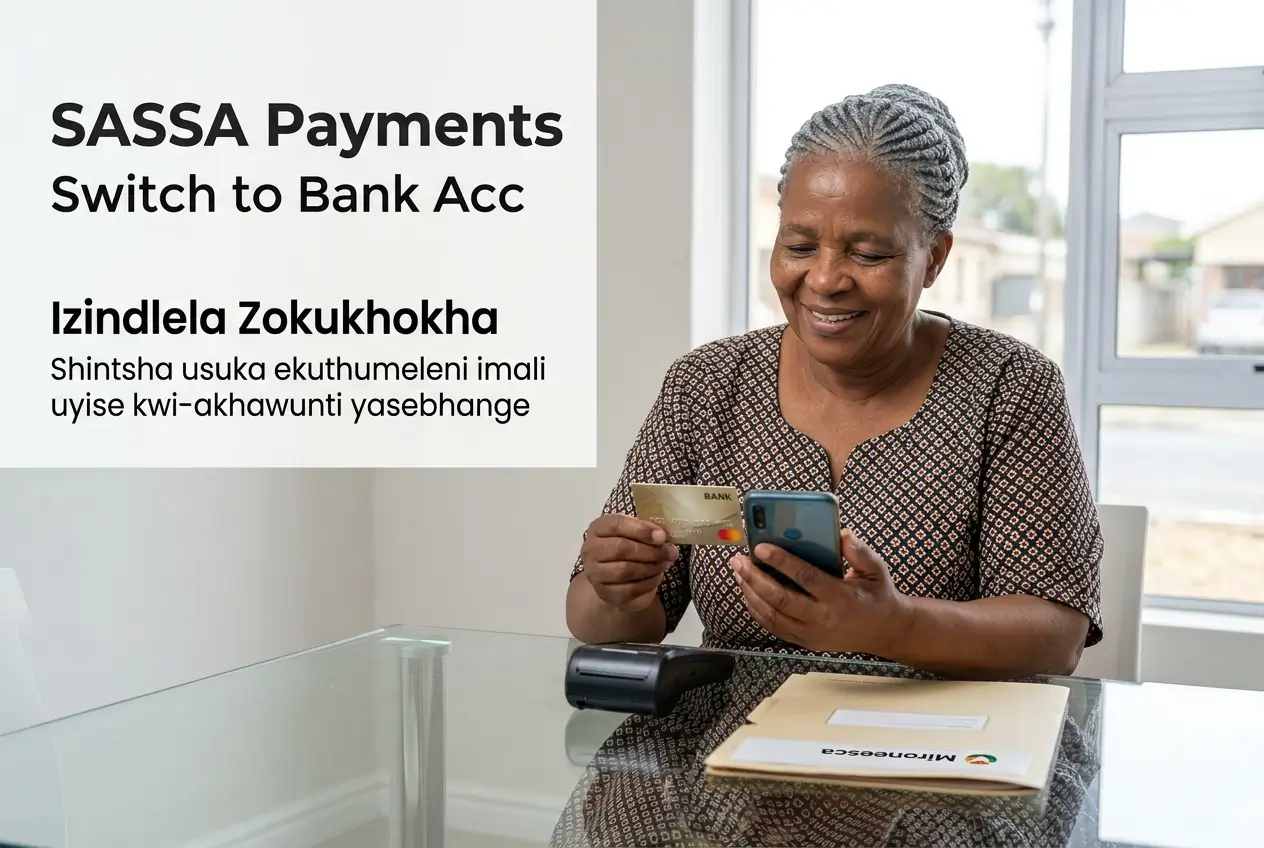
There is a much safer and more reliable option available. Switching your SASSA payment method to a personal bank account ensures you get your money on time.
This guide provides a clear, step-by-step process on how to switch from Cash Send to a bank account and avoid future payment problems.
Why You Should Switch From Cash Send
The Cash Send payment option, while accessible, has several major drawbacks. Many grant recipients face constant stress due to its unreliability.
One of the biggest issues is payment delays. Unlike bank deposits, Cash Send payments do not have a fixed date, leaving you unsure when your money will arrive.
This system has also been prone to technical glitches, causing widespread payment failures. This leaves thousands of vulnerable people without their funds for days.
Furthermore, collecting cash payments often means standing in long queues at pay points, which can be unsafe and time-consuming.
The Key Benefits of a Bank Account for Your Grant
Receiving your SASSA grant directly into your bank account is the most recommended method. It offers stability, security, and convenience.
SASSA itself encourages beneficiaries to use this method for faster and safer access to their funds.
Here are the main advantages:
- Punctual Payments: Your money is deposited on the scheduled payment date, without fail. You know exactly when your funds will be available.
- Enhanced Security: Your money is protected by the bank. You can use a PIN to withdraw cash, reducing the risk of theft.
- No More Queues: Access your money at any ATM, cash-back point at a supermarket, or use your bank card to pay for goods directly.
- Easy Budgeting: Bank statements help you track your spending. You can also leave money in the account for safekeeping.
- Financial Inclusion: Having a bank account opens up access to other financial services you might need in the future.
Who is Eligible to Change Their Payment Method?
Any beneficiary of the Social Relief of Distress (SRD) R370 grant can change their payment method from Cash Send to a bank account.
This also applies to recipients of other social grants like the Child Support Grant, Older Person’s Grant, and Disability Grant.
The most important requirement is that the bank account must be in your own name. SASSA cannot pay grants into someone else’s account.
This rule is in place to prevent fraud and ensure the money reaches the correct person. The name on your bank account must match your ID document perfectly.
How to Switch to a Bank Account: The Online Method
The quickest and easiest way to update your payment details is through the official SASSA SRD website. You can do this from your smartphone.
Follow these steps carefully:
- Visit the SASSA Website: Go to the SRD website at srd.sassa.gov.za. Make sure you are on the official government page.
- Find the Right Section: Scroll down to the section titled “How do I change my banking details?”.
- Enter Your ID Number: Type in your 13-digit South African ID number and click “Submit”.
- Receive the Secure Link: An SMS with a unique, secure link will be sent to the cellphone number you used to register for the grant.
- Open the Link: Click on the link in the SMS. It will take you to a secure page where you can safely update your details.
- Provide Your Bank Details: Carefully enter your bank name, account number, and branch code. Double-check everything for accuracy.
- Submit Your Information: Once you are sure the details are correct, submit the form.
SASSA will then verify your bank details. This process ensures the account belongs to you before any payments are made.
Changing Your Details at a SASSA Office
If you are not comfortable using the internet or do not have access, you can visit a SASSA office to change your payment method.
This process takes longer and requires you to go in person, but it is a reliable alternative for those who need it.
You will need to complete a specific form to request the change. Ask a SASSA official for the “Consent Form for Bank Payment”.
You must take the following documents with you:
- Your green bar-coded ID book or your Smart ID card.
- Proof of bank account: A bank statement or a letter from your bank, not older than three months, that confirms you own the account.
- The cellphone number linked to your grant application.
A SASSA official will help you complete the form and will capture the new details on the system for you.
What Happens After You Update Your Details?
Once you submit your new banking details, SASSA needs to verify them. This verification process can take some time.
Your details are checked with the Department of Home Affairs and your bank to confirm your identity and account ownership.
Typically, the change will take effect from the next payment cycle. This means if you change it in the middle of May, your June payment should go to your bank account.
Important: Do not close your old bank account or change your payment method again until you have received your first payment in the new account.
You can check your status on the SASSA website to see if the new details have been approved and processed.
Crucial Safety Warnings to Protect Your Grant
Scammers often target SASSA beneficiaries. It is vital to protect your personal information to avoid becoming a victim of fraud.
Keep these security rules in mind at all times:
- Never Share Your PIN: Your bank card PIN and your cellphone PIN are private. SASSA will never ask for them.
- Use the Official Website: Only change your details on the official srd.sassa.gov.za website. Beware of fake sites.
- The SASSA Link is Private: The secure link sent to your phone is for you only. Do not forward it to anyone.
- No Fees Involved: Changing your payment method is a free service. Do not pay anyone who promises to help you for a fee.
- Ignore Suspicious Messages: Delete any SMS or email asking for your details that does not come from an official SASSA channel.
If you suspect that your details have been compromised, contact SASSA or your bank immediately to report it.
Troubleshooting: Common Problems and Solutions
Sometimes, things can go wrong during the process. Here are some common issues and what you can do about them.
Problem: “My bank details were rejected.”
This usually happens if the bank account is not in your name, or if the details you entered do not match your ID. Double-check your account number and name.
Problem: “I did not receive the SMS with the secure link.”
Ensure you are using the cellphone number registered with SASSA. If the number is correct, wait a few minutes or try again later as there may be network delays.
Problem: “The website is not working.”
The SASSA website can get very busy, especially during payment periods. Try accessing it during off-peak hours, like early in the morning or late at night.
Where to Get Official Help and Information
If you are struggling with the process or have questions, it is best to contact SASSA directly through their official channels.
Do not rely on information from social media groups, as it can be incorrect or part of a scam.
You can reach SASSA through:
- SASSA Toll-Free Helpline: Call 0800 60 10 11 for assistance.
- SASSA Head Office: Contact them on 012 400 2322 for more complex issues.
- Email: Send your queries to [email protected].
- Visit a SASSA Office: Find your nearest office for face-to-face assistance.
Switching your payment method to a bank account is a smart move for your peace of mind. Take control of your grant and ensure you get your money safely and on time.